Configuring the schema
Open Settings on web or desktop, or More → Vault Schema on iOS, to change your collections and their fields. These settings are saved inside the vault and shared by devices that sync it.
Adding a built-in type
Choose Add a built-in type and pick a collection, such as Anime or Games. Its fields and provider connections are ready to use, and you can edit them afterward.
After adding types, visit Home to add suggested smart lists for them.
Two editors, one file
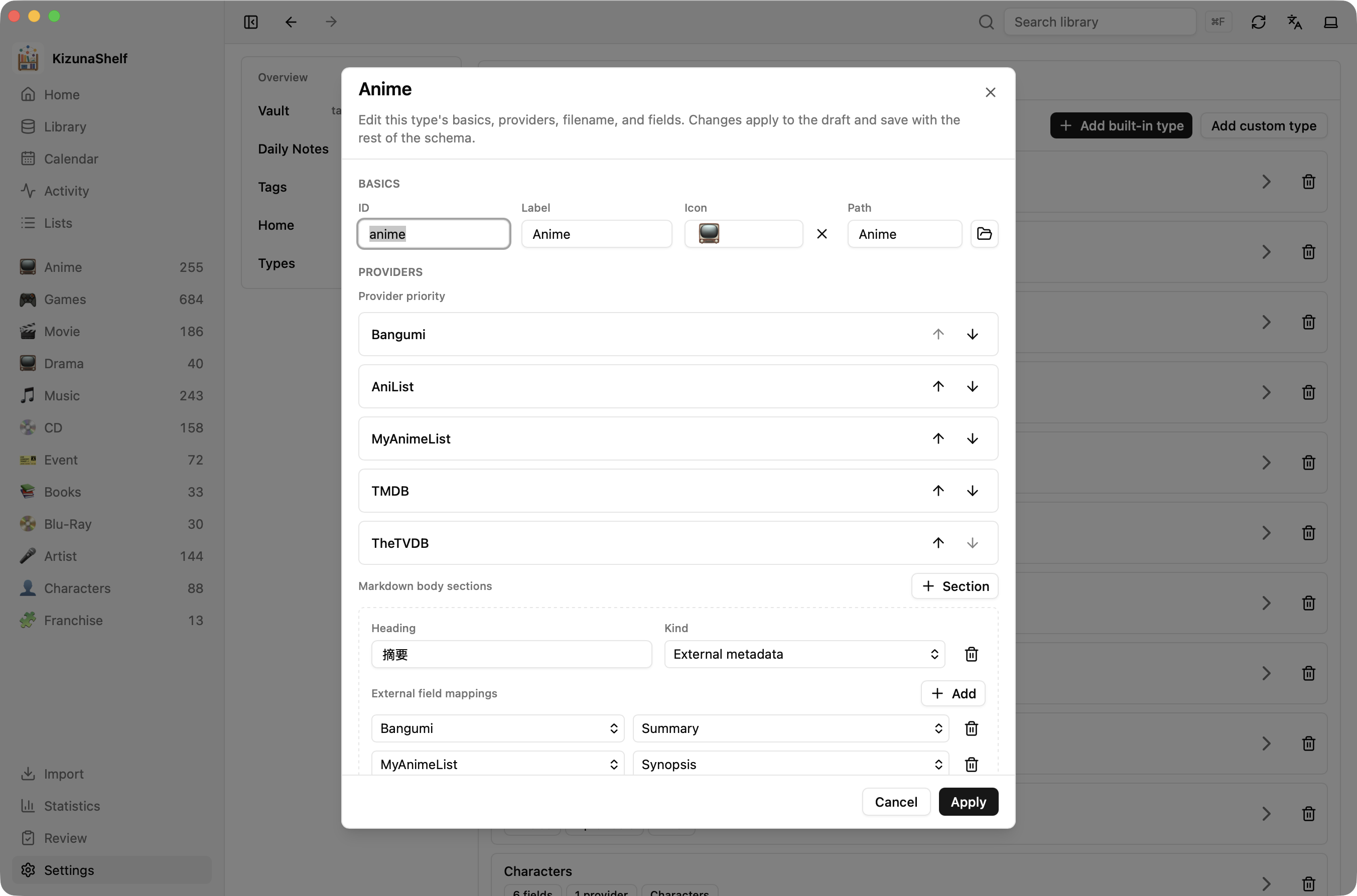
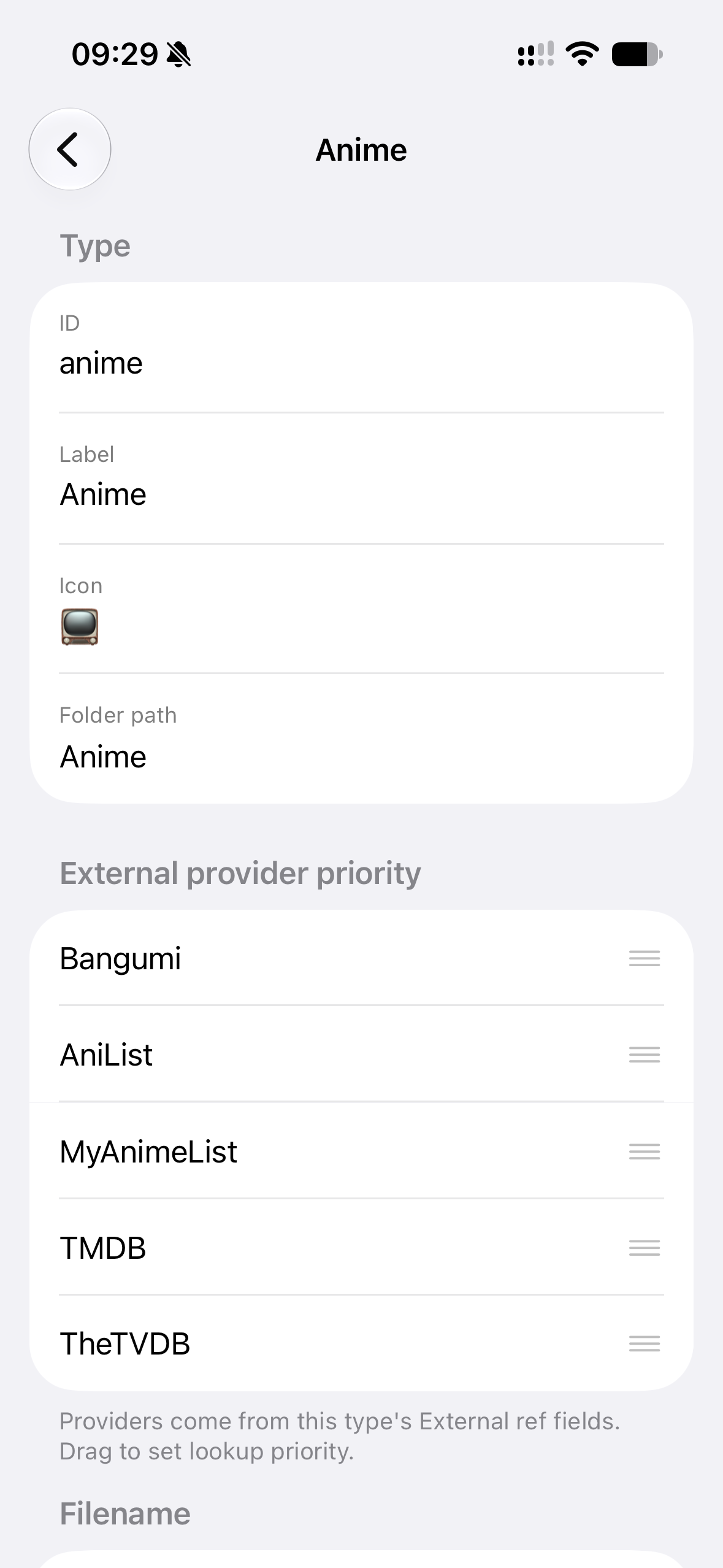
The Form editor lets you change types, fields, folders, and daily-note settings without writing YAML.
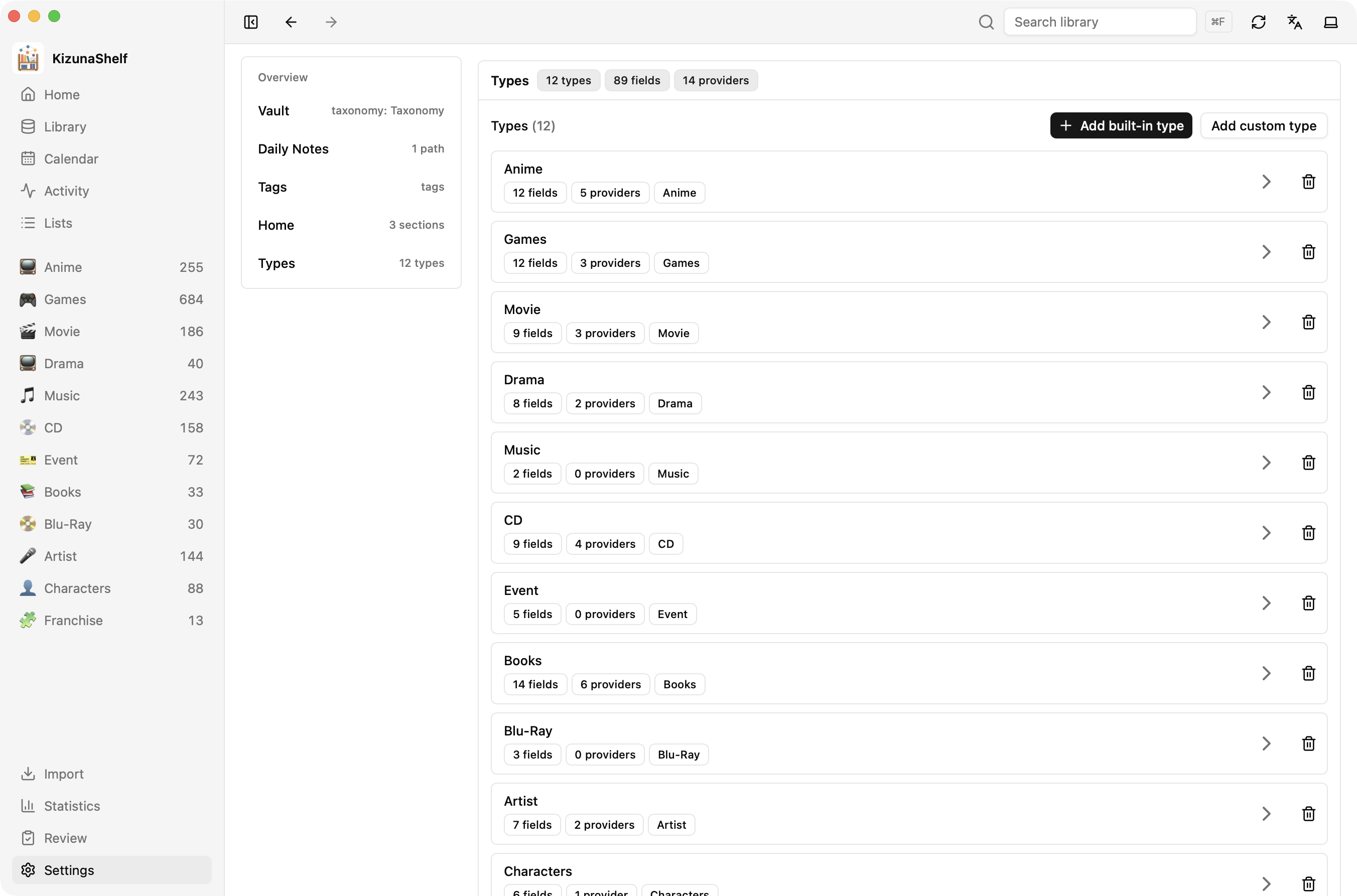
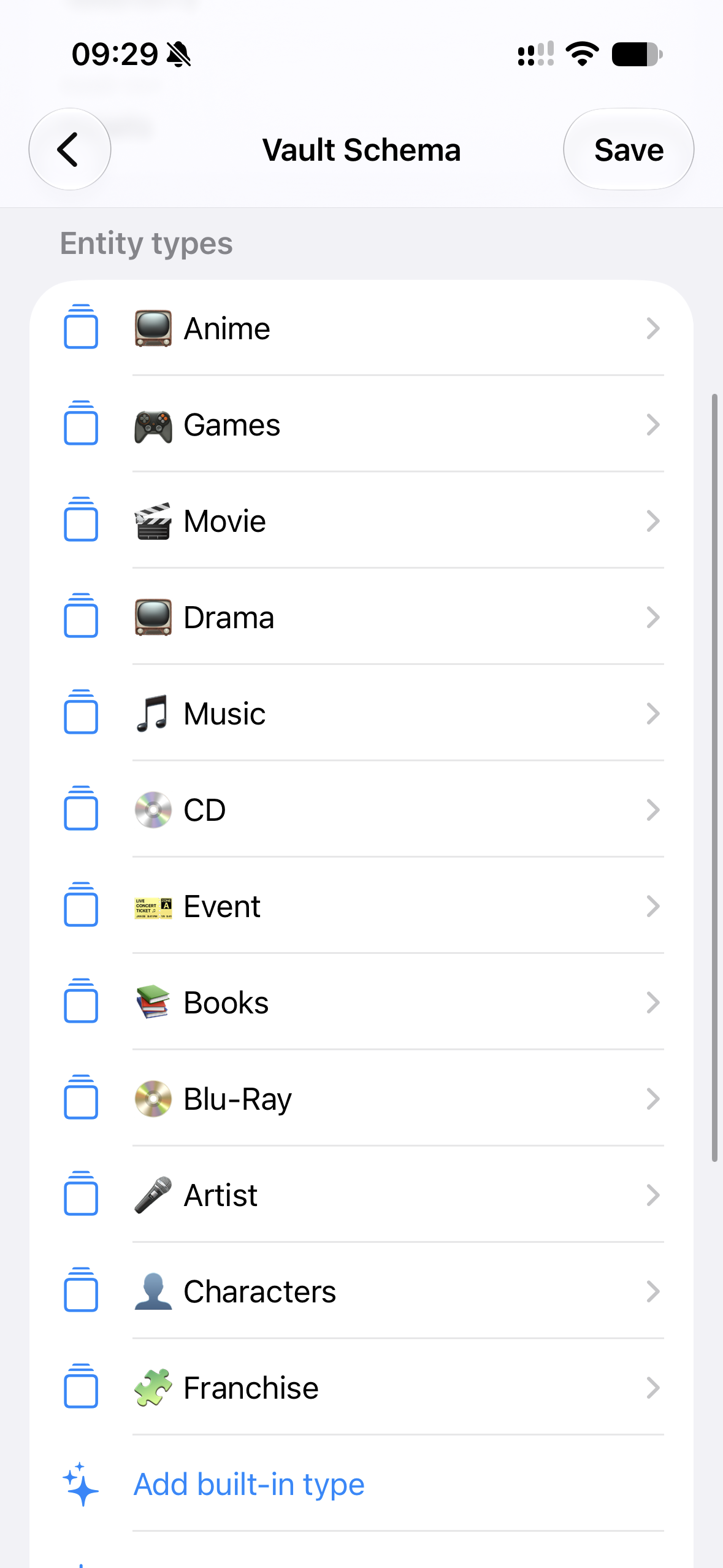
Open a type to edit its fields and provider connections. On web and desktop, Apply updates the draft; choose Save in Settings to write your changes.
The YAML editor on web and desktop is for editing the settings file directly. It preserves comments and formatting. On iOS, use a text editor if you need that control.
Changing the schema does not rewrite existing entity files. Removing a field from Settings leaves its values in your notes; renaming a field requires updating the notes that use it.
For a walkthrough, see Defining your own type. The reference explains each option, and Self-hosting explains how to enable Settings writes on a server.