Relations
Connect an anime to its franchise, a character to a voice actor, or a game to another game you want to play next.
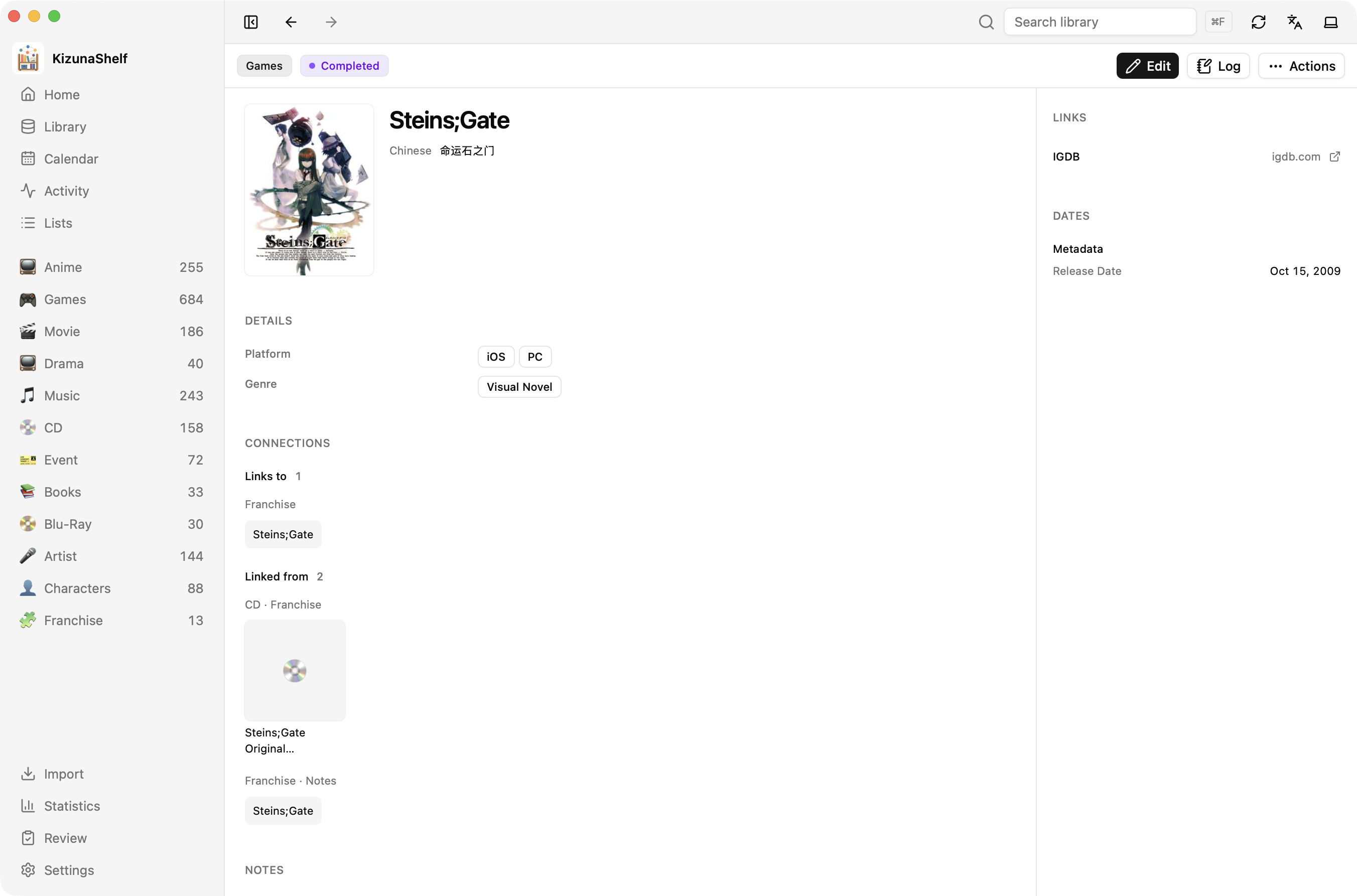
For example, Steins;Gate 0 (Anime) and Steins;Gate (Game) can both link to a Steins;Gate franchise entity. Opening the franchise shows the works connected to it.
Where relations come from
Add a link in a relation field, such as Franchise, or write a wikilink in your notes:
Play [[Steins;Gate (Game)]] before revisiting [[Steins;Gate 0 (Anime)]].
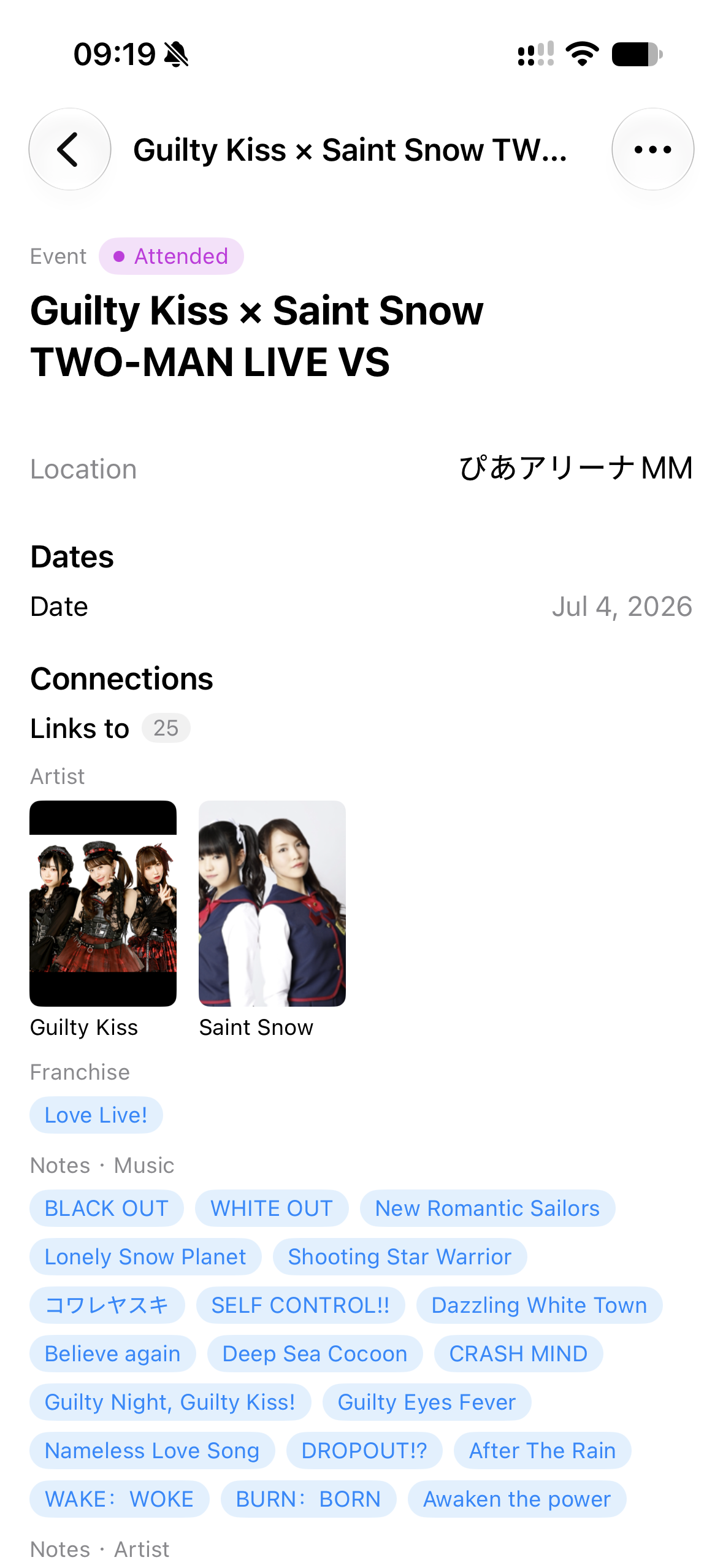
The detail page shows links in both directions: what this entity links to, and what links back to it. Mentions in daily notes also appear here.
Renames repoint links
Rename an entity in KizunaShelf to update links to it in your entity folders, daily notes, and list pages. Use distinct filenames for different entities so the app can tell which one a link means.
You can also filter your library by a relation, such as everything linked to Pokémon. For field settings, see the relation reference.