Home & smart lists
Home shows previews of the smart lists you pin to it. Each row shows up to 12 entities from the list's first supported view; See all opens that saved list and view.
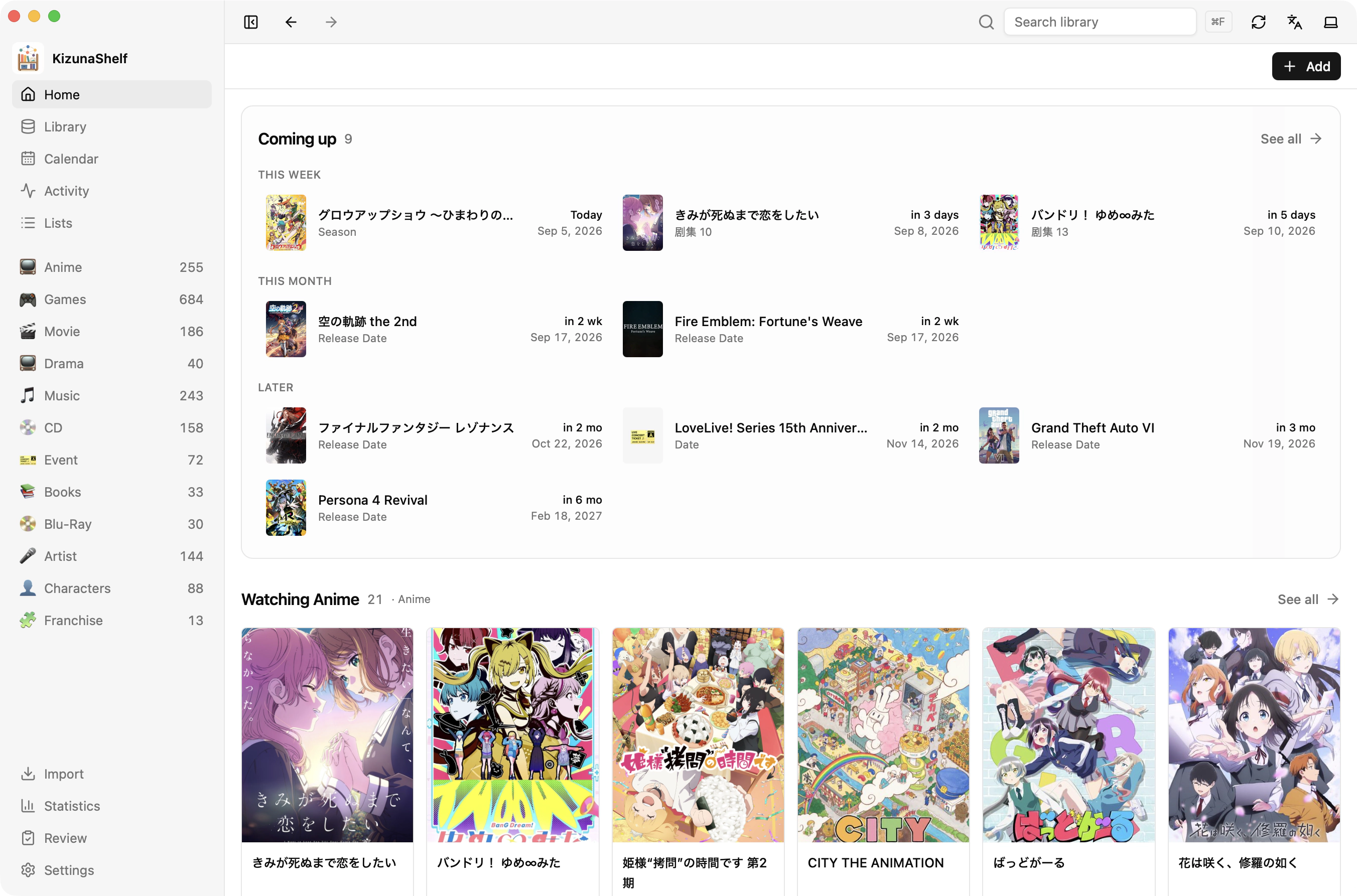
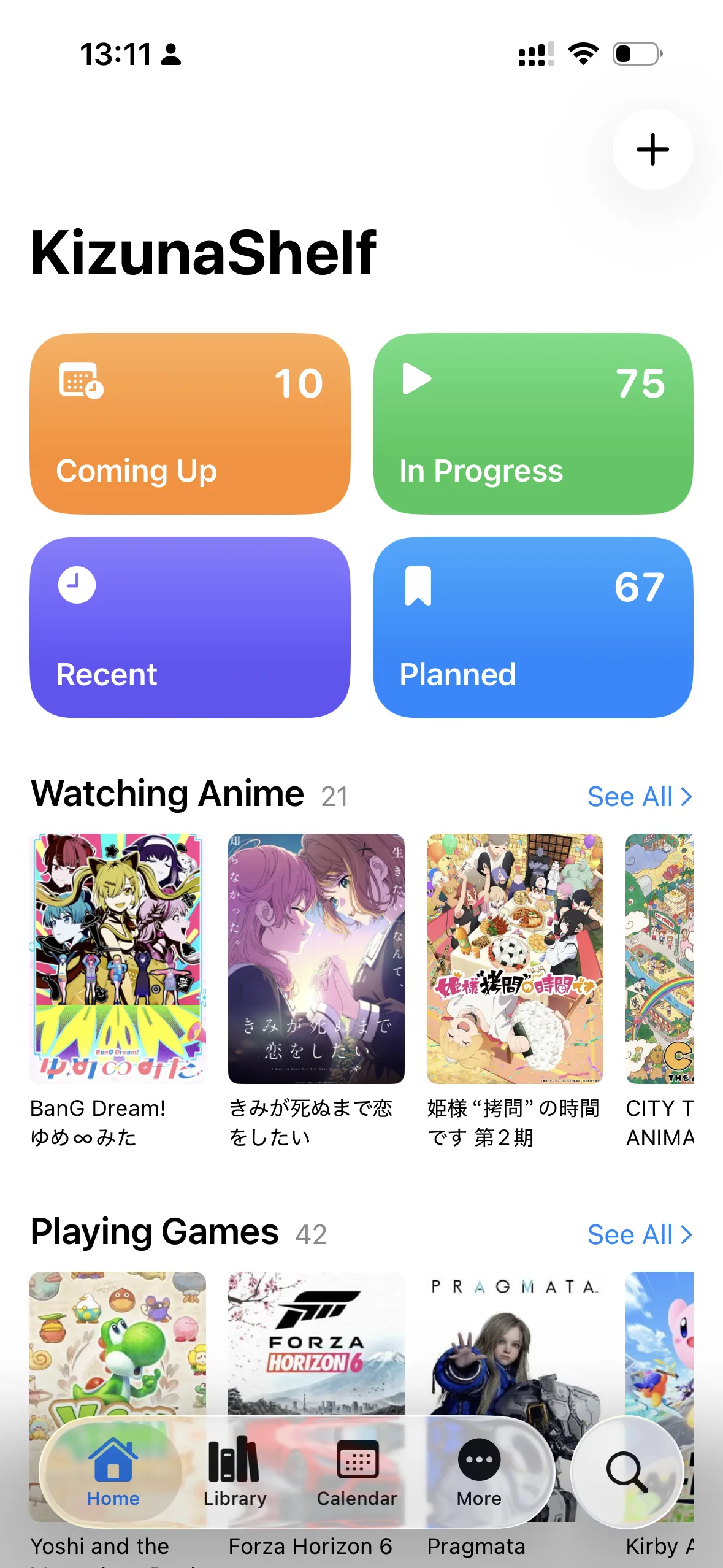
Add a list to Home
Open a smart list in Lists and choose Add to Home. On iOS, this action is in the list's menu.
Choose Remove from Home to hide the preview while keeping the list. Renaming or editing a pinned list updates Home too. Rows follow filename order.
Suggested lists
Setup creates suggestions such as Watching Anime or Upcoming Events. Choose Add suggested lists on Home to add more later, including after adding a type.
Select the suggestions you want. Existing lists keep their names and edits; deleted suggestions can be recreated. If setup could not create the lists, this is also where you can retry.
Stored in your vault
Home membership travels with each smart list, so it syncs across devices. The Home reference covers the file format and older test vaults.