Managing episodes & tracks
Track episodes, tracks, or comic issues inside the entity they belong to. A checklist records which ones you have finished, including specials and skipped episodes.
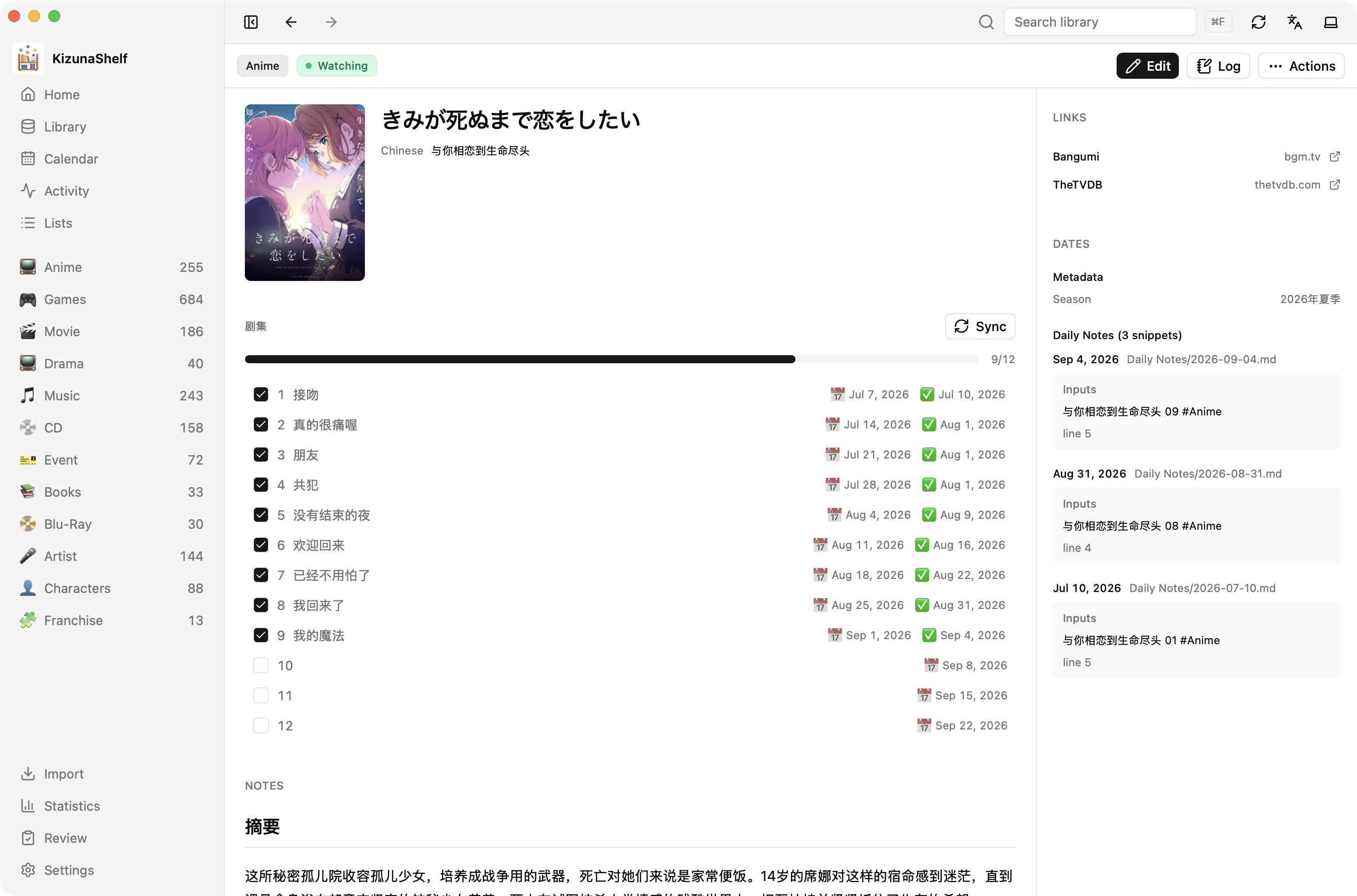
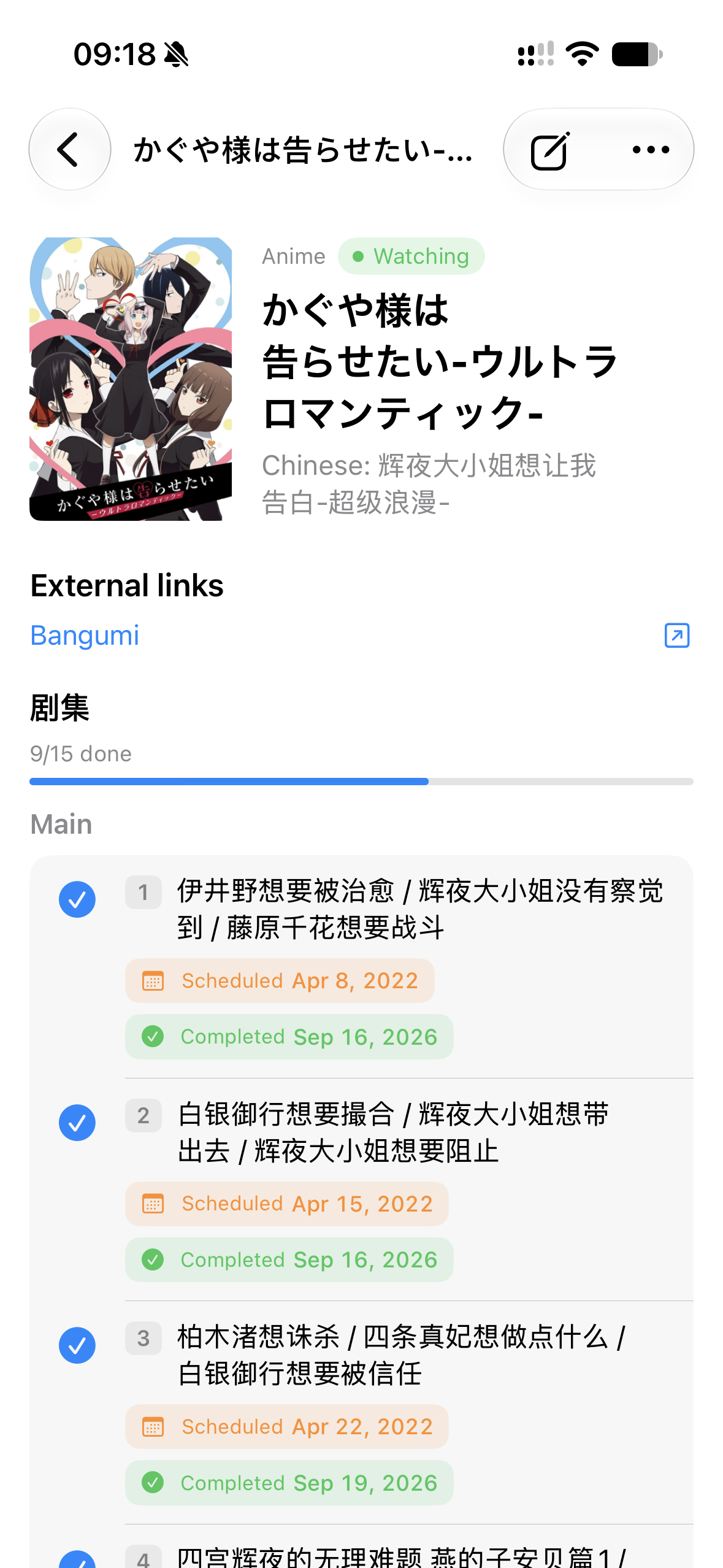
Checking an episode records the completion date and updates the progress shown in your library. Scheduled episodes can also appear in the calendar and activity feed.
Syncing from a provider
Once an entity is matched to a provider, choose Sync in its episodes panel. Review the list and select the items to bring in. New items are added, selected existing titles are updated, and your watched marks and hand-added items are kept.
If more than one linked provider supplies episodes or tracks, choose the source you want. Supported sources are listed in the provider reference.
Editing the list yourself
The checklist is ordinary Markdown under a configured heading:
## Episodes

- [x] 1 ✅ 2023-07-01
- [x] 2 ✅ 2023-07-02
- [ ] 3
You can edit it in Obsidian too. Season or disc headings group the items; the number on each line can include a special such as 12.5. A type can also show a plain track list without checkboxes. See the checklist settings.
One entity or many?
Keep several seasons in one entity if you want one combined record. Use separate entities if you want a rating and completion date for each season, then link them to the same franchise.