Editing & matching
Editing in KizunaShelf
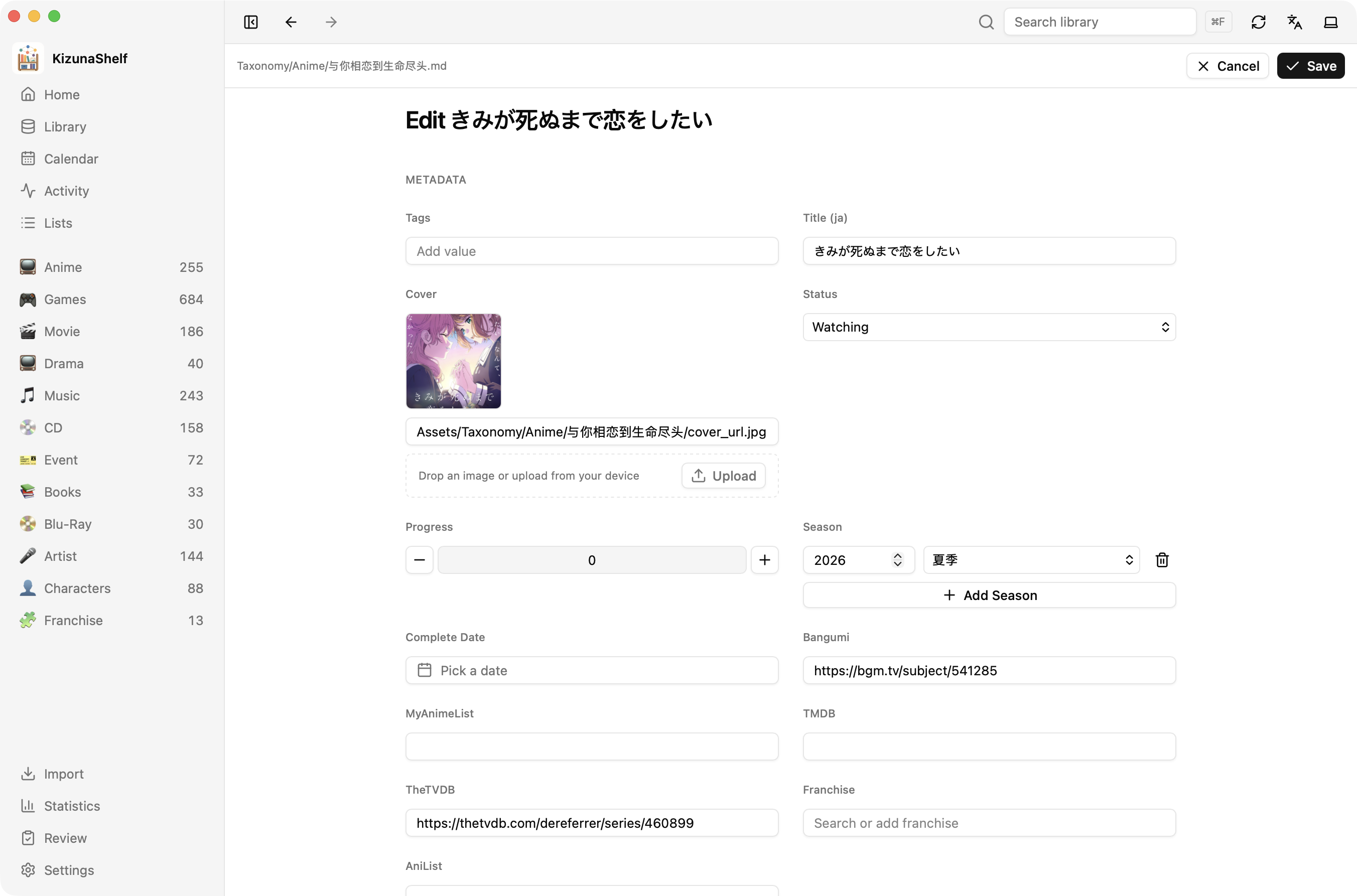
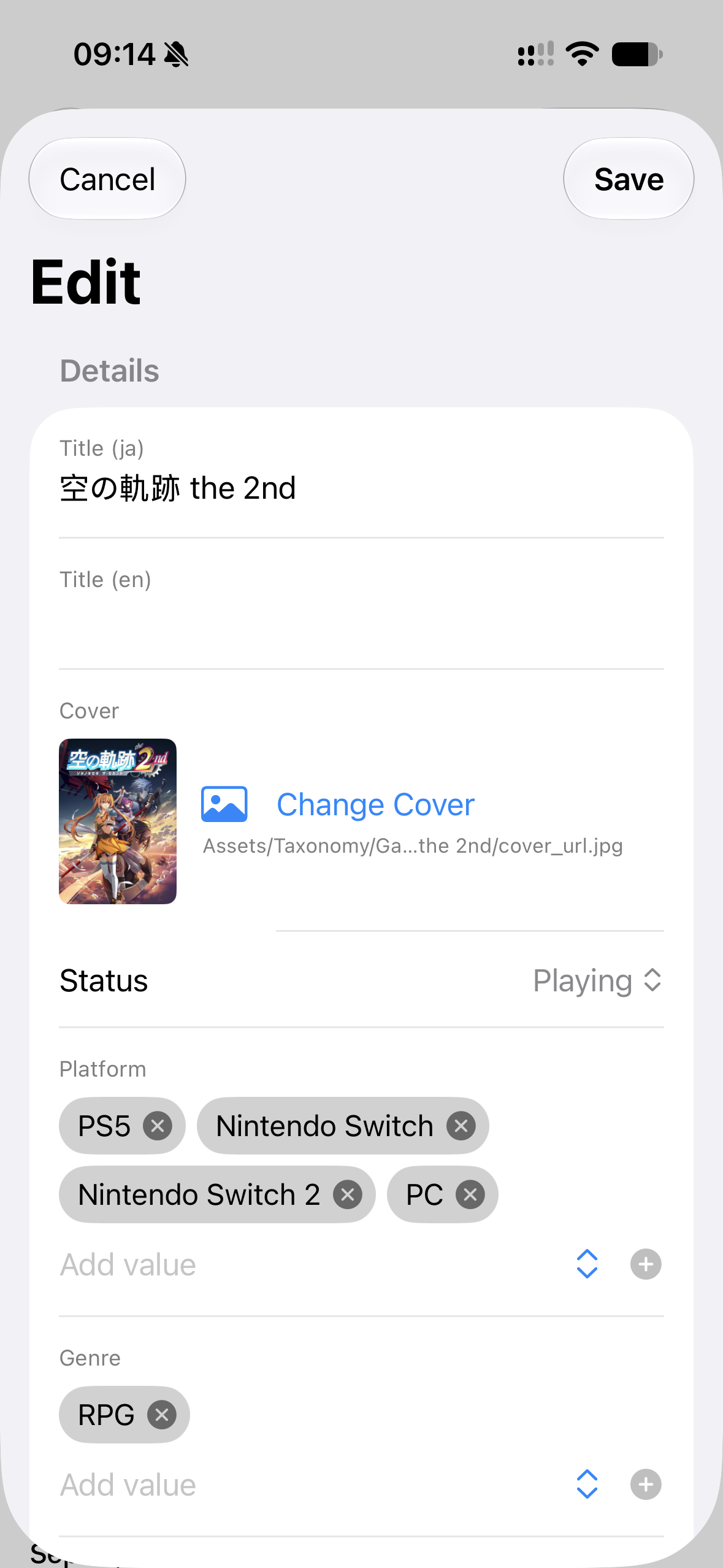
Open an entity and choose Edit to change its details or Markdown notes. The fields follow that entity's type. Additional properties already in the file are kept too.
Ticking tasks in your notes
Markdown checkboxes in your notes are clickable. Checking one adds the date; unchecking it removes the completion date. A due date already on the line is kept.
- [ ] Rewatch Steins;Gate 0 with a friend
- [x] Revisit the game's ending ✅ 2023-07-08
Episode lists have their own panel, where you can track each episode separately.
Matching external metadata
Use Match on an entity's detail page to add or refresh information from a provider:
- Search by title, or paste a provider URL or ID.
- Choose the matching result.
- Review the fields and sections, then apply the ones you want.
Only your selected details are updated. A provider summary replaces its own section, leaving your personal notes in place. The stored match also lets you refresh an episode or track list.
Editing outside KizunaShelf
You can edit the same Markdown file in Obsidian or another editor. Refresh KizunaShelf to see the changes. If a file changes while you are editing it in the app, you may be asked to reload before saving; see avoiding sync conflicts.