Calendar & Activity
Use the calendar to see dates at a glance and the activity feed to look through your history or plan what comes next.
What's coming up?
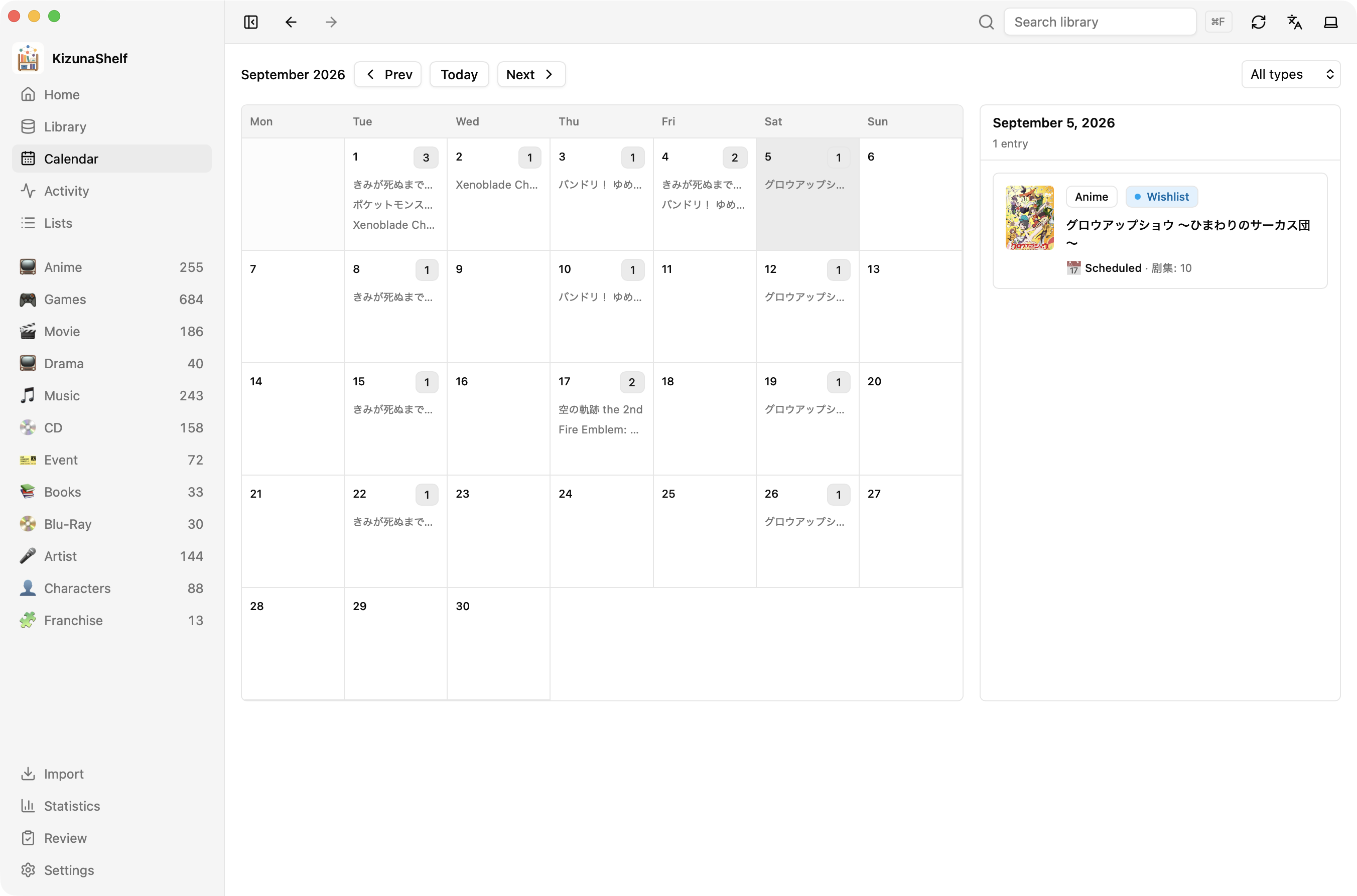
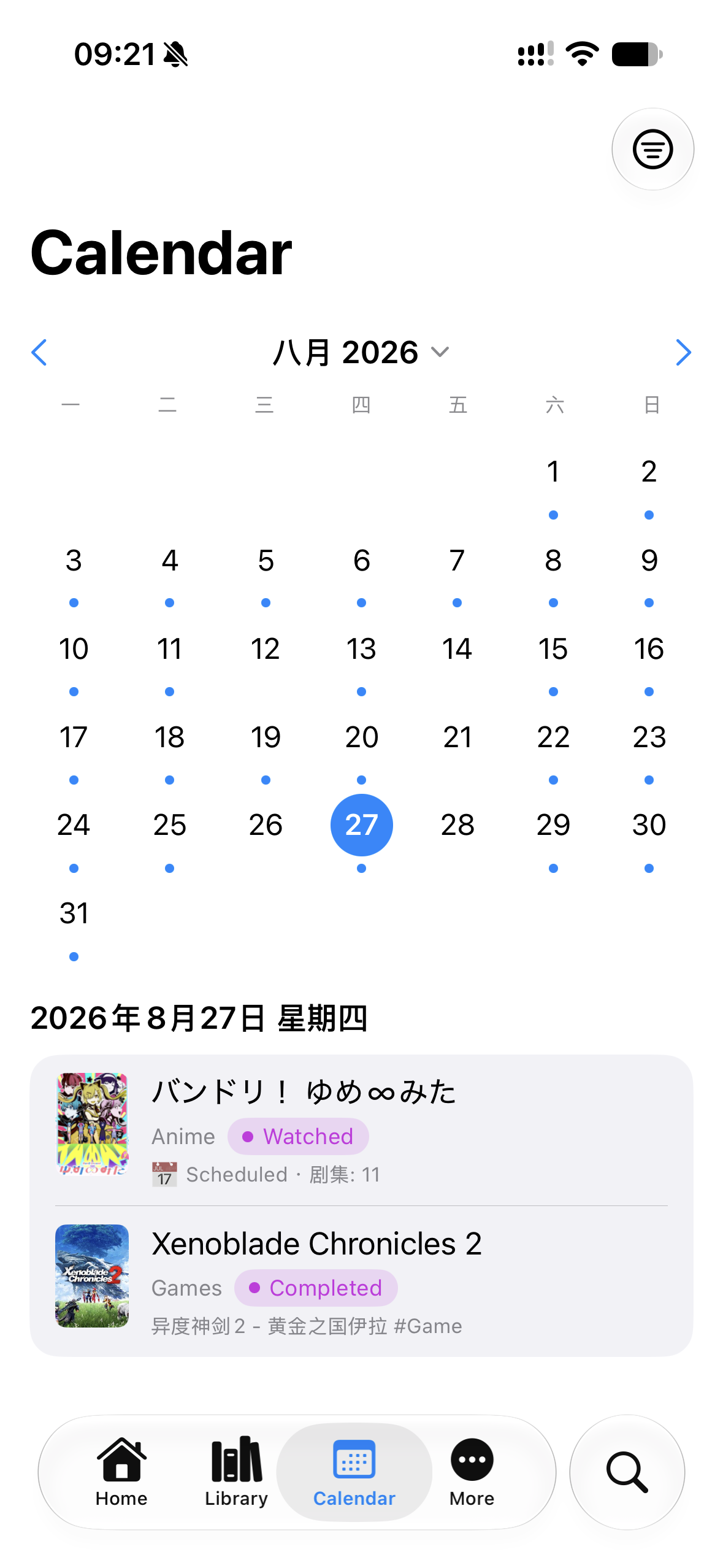
Release dates, event dates, and scheduled episodes appear on the calendar. Dates need a specific day to appear in the month grid; an airing season appears in upcoming views instead.
Home's Coming up panel shows the next releases and episodes. On iOS, you can also use a widget or reminders.
What have I done recently?
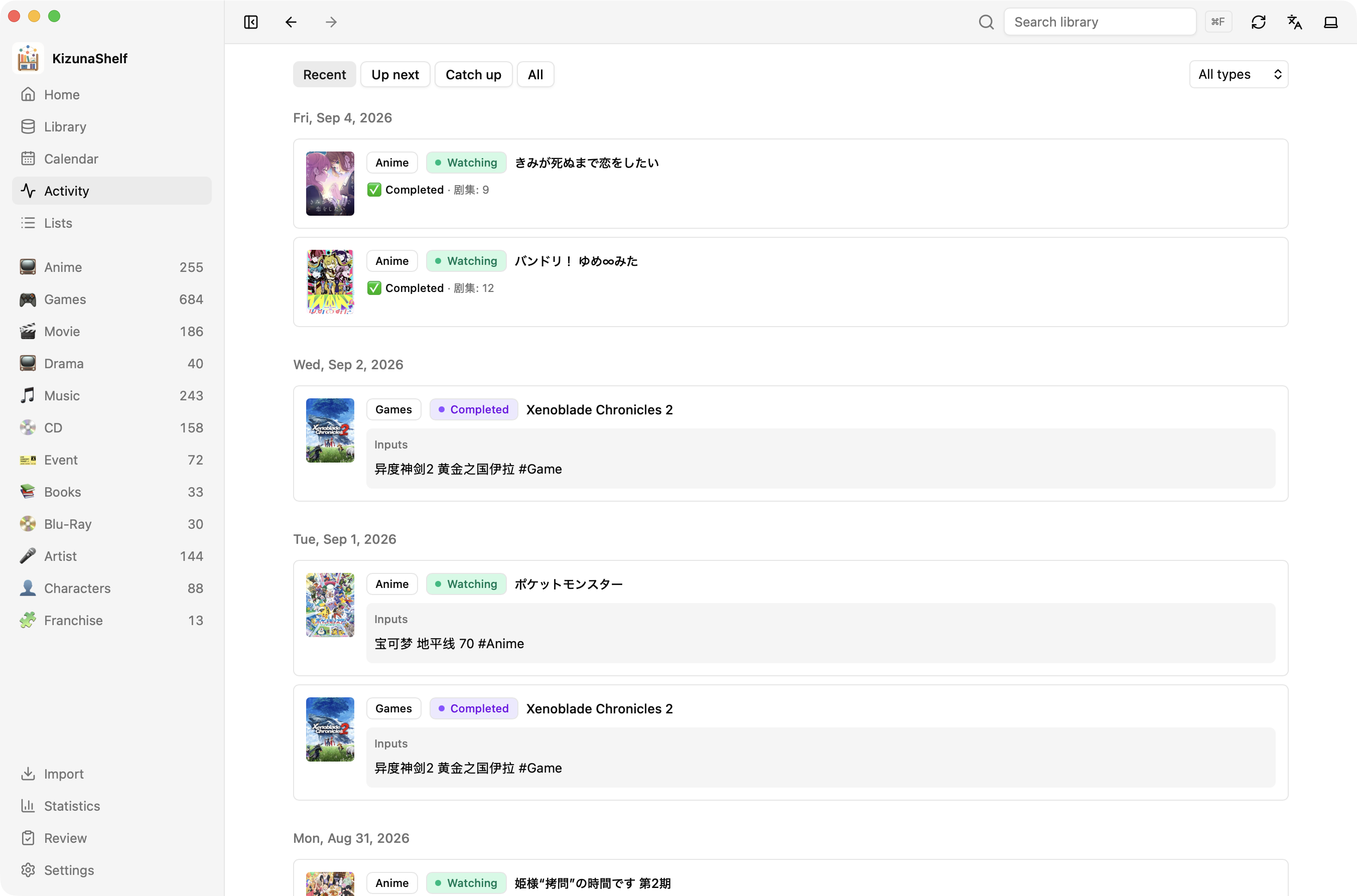
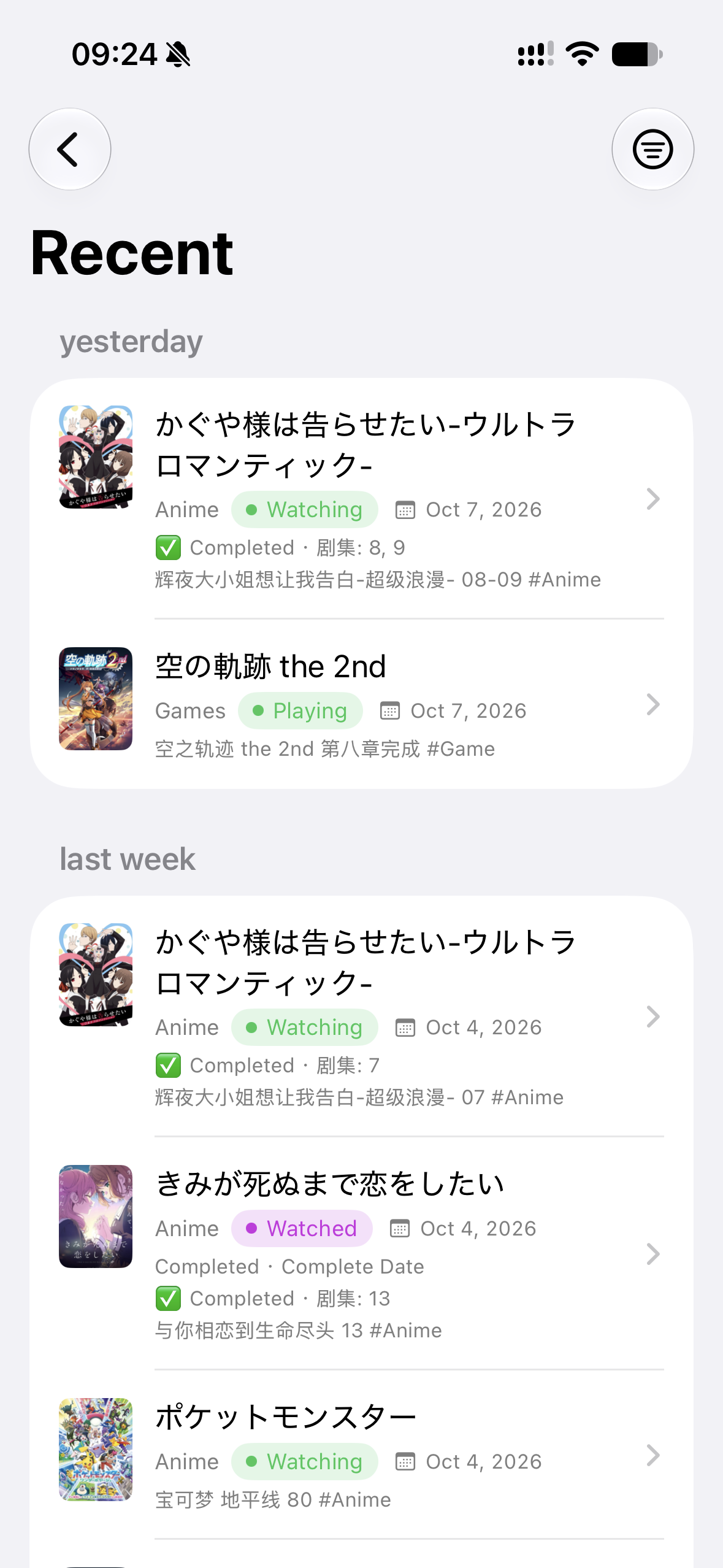
The activity feed brings together episode check-offs, start and finish dates, and mentions in your daily notes. Each activity links back to its entity.
Choose Recent for recent activity or All for the complete record.
What should I catch up on?
- Up next shows future plans and scheduled episodes you have not watched. Completed, dropped, and paused entities are left out.
- Catch up shows released entities still on your planning list and aired episodes of shows you are watching.
A show airing this season can appear in both: some episodes are available, while others are still ahead. Marking an episode watched or changing an entity's status updates the lists.
If a date is missing from these views, check its role in the schema.