Browsing the library
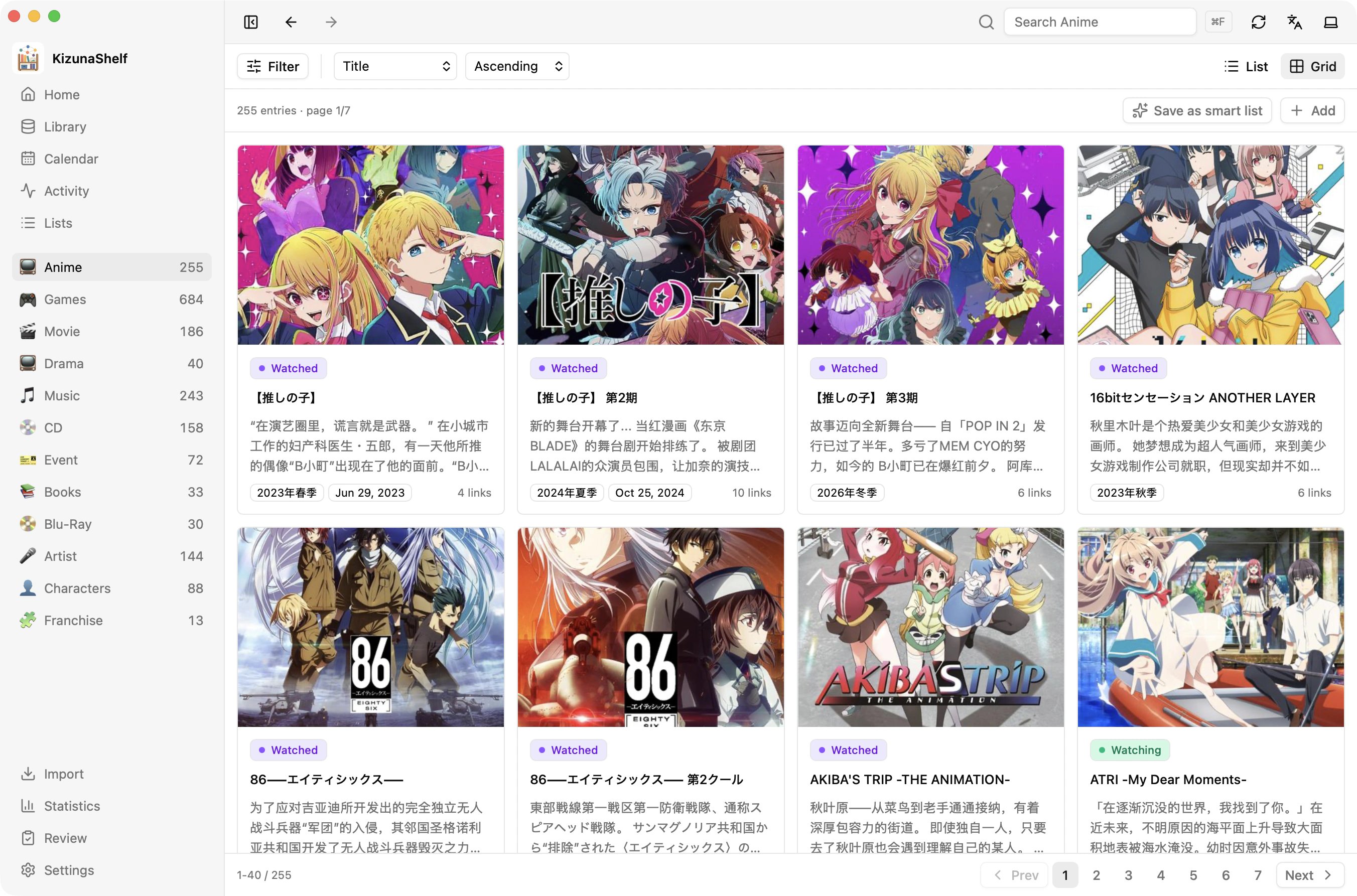
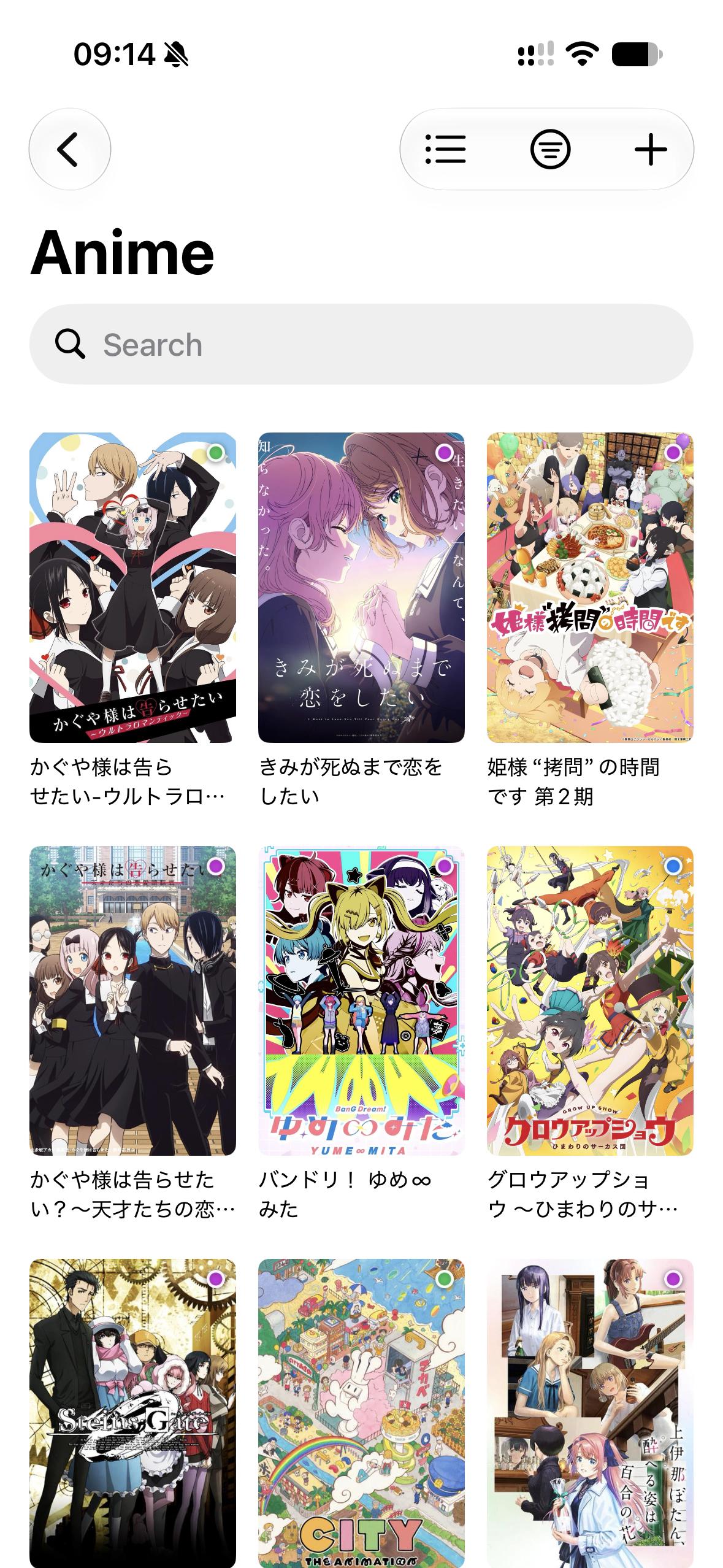
Browse your library as a cover grid or a list. Choose a type to see its fields, then narrow the results with search and filters.
Criteria
Open Filter to add rules. For example:
- Anime you are watching.
- Games rated 8 or higher.
- Entities linked to the Pokémon franchise.
- Things you finished in the last 30 days.
Combine rules to match all, any, or none of them. Choose a type to filter by its fields; All types offers shared details such as titles, update times, and tags.
Seasons
A season filter recognizes equivalent values such as Spring 2018 and 2018年春. You can choose one season, several seasons, or a whole year.
Search
Search matches all saved titles, including titles in other languages, as well as summaries and file paths. It narrows the current results alongside your filters. Results rank by relevance unless you choose a sort order.
Sorting
Sort by title or last update, or choose a type's date, rating, or number field. Entities with no value for that field appear last.
Keep a useful view
Choose Save as smart list to keep your filters and view settings. The search text is not saved with the list. See Lists & smart lists for editing saved lists and adding them to Home.
On web and desktop, your current browsing choices stay in the page URL, so reload and the Back button preserve them.
Titles follow your language
KizunaShelf displays the title matching your language preference when one is available, with the original title as a fallback. All titles remain searchable. The title reference explains how to configure them.