Adding an entity
Use Quick Capture to find something in an external catalog, or Manual Add to fill in the details yourself. Both create a Markdown file in your vault.
Quick Capture
- Choose a type, such as Anime.
- Search for Steins;Gate 0, or paste a provider URL or ID.
- Select the right result and add it to your library.
KizunaShelf fills in the details your type is set up to receive, including a cover and episode list when available. If it finds the entity already in your library, it opens that entity instead.
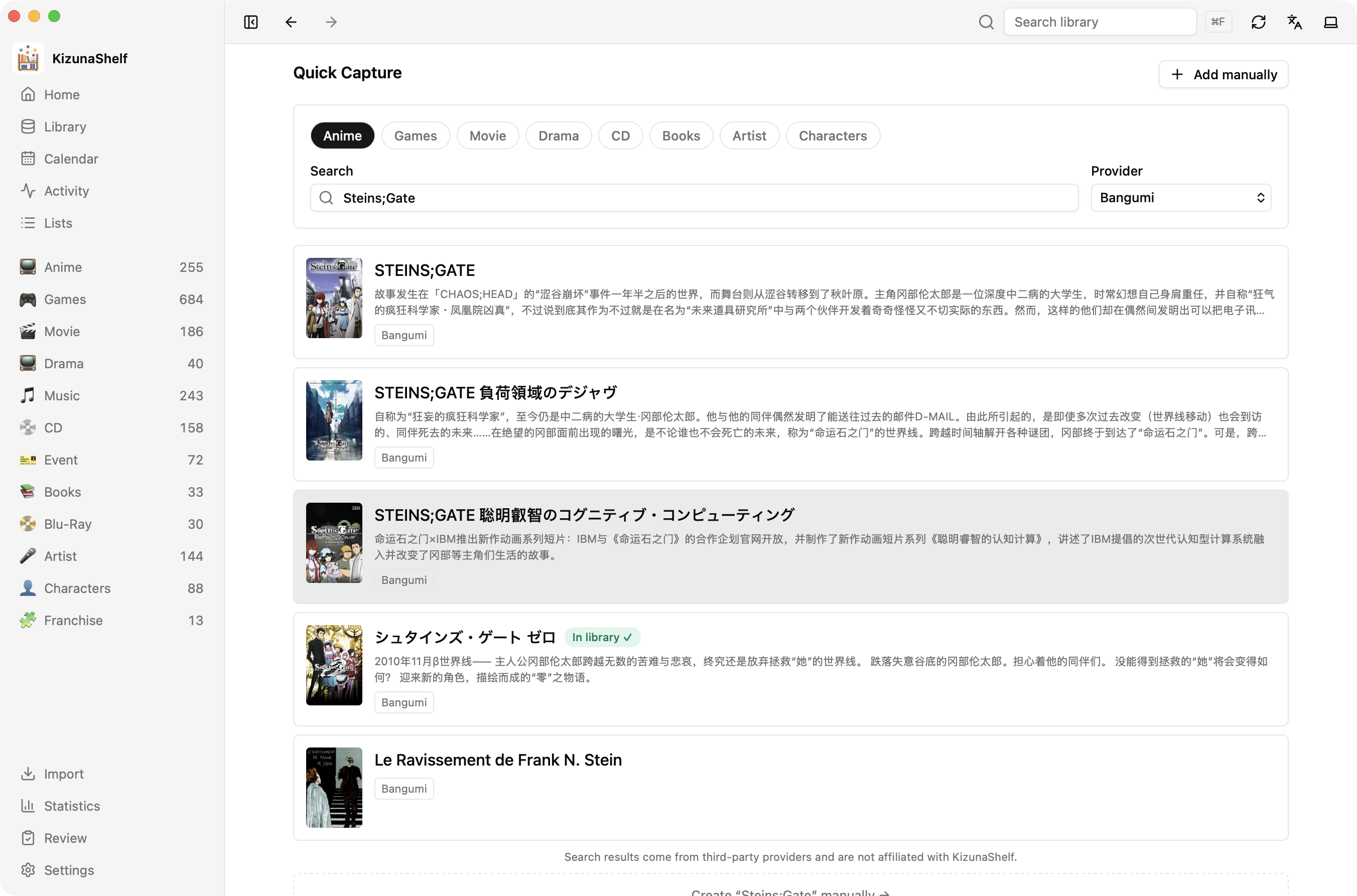
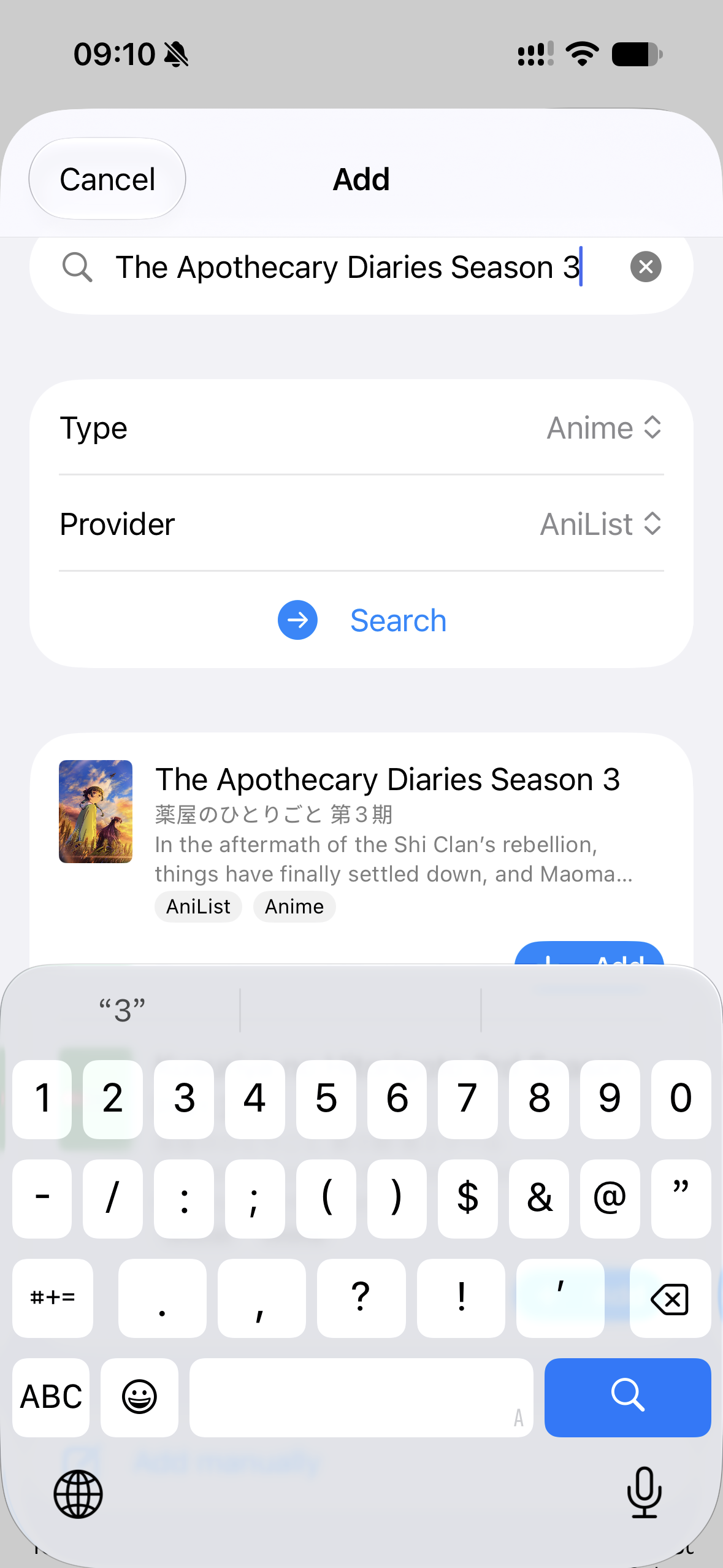
You can record your own status, rating, and notes afterward. If a cover or episode download fails, the entity is still created; you can retry from its detail page.
Quick Capture appears for types connected to a metadata provider. The built-in media presets include those connections. Some providers need credentials or accept only a pasted URL; see the provider reference.
Manual Add
Choose Manual Add, select a type, and fill in the fields you need. This works for things a catalog may not cover, such as a Pokémon card or concert souvenir. You can match it to a provider later.
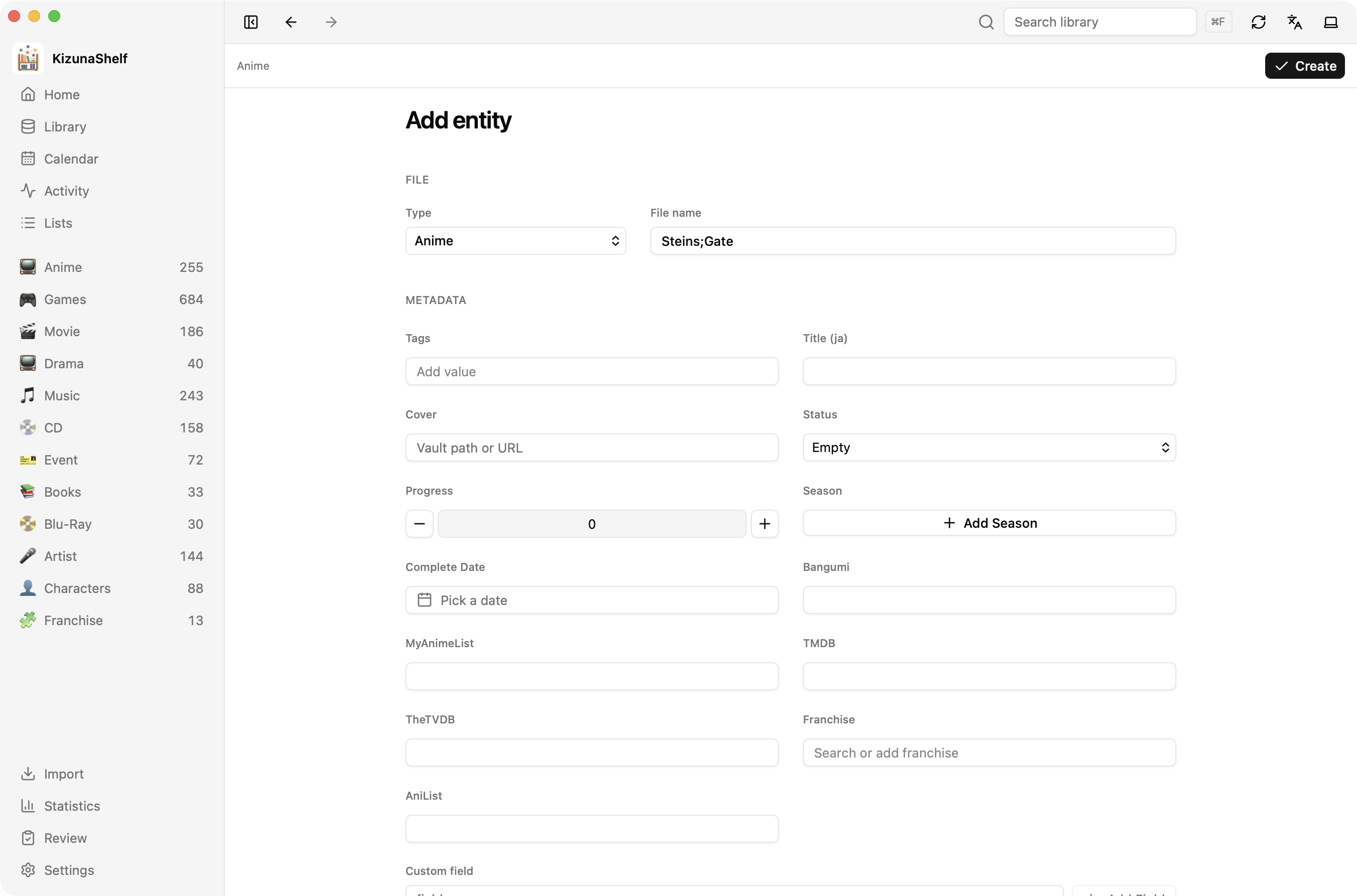
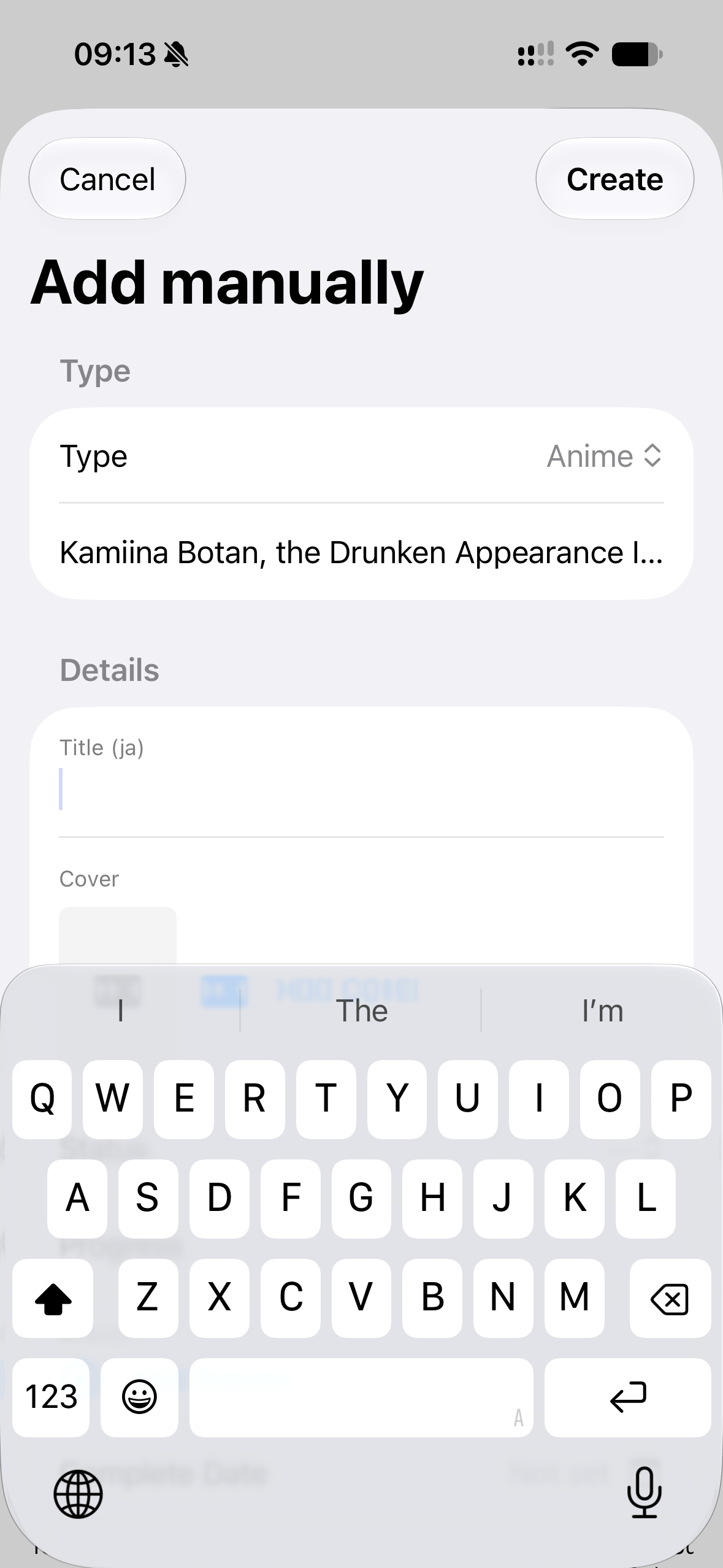
To move a whole collection from another service, use Batch import. On iOS, you can also share a provider page from Safari.